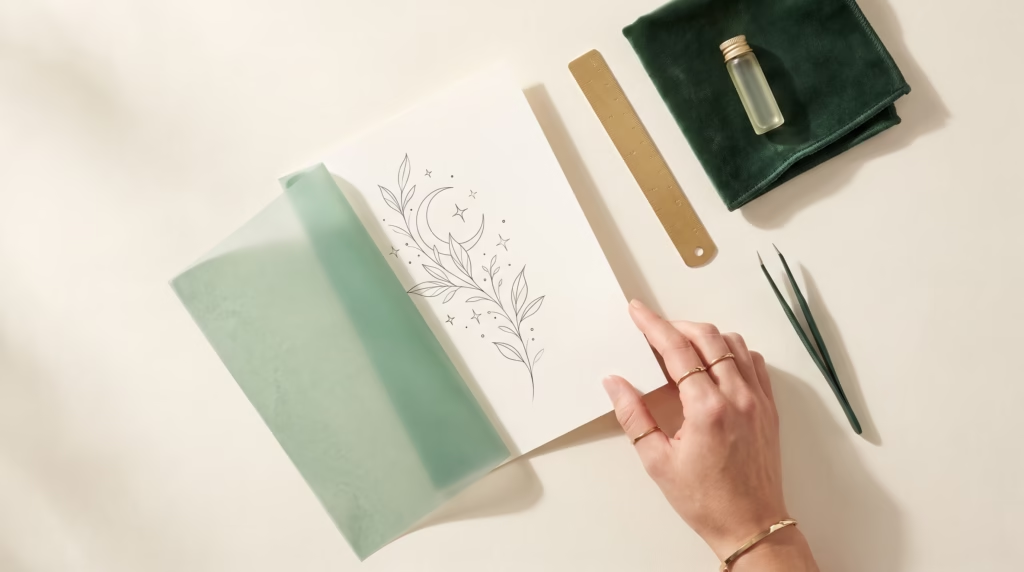
If you like a tattoo design on your phone but can’t picture its size on your ankle or arm, print two copies on one sheet. Pick one measurement you’re considering and one noticeably different size. In this example, a ginkgo leaf measures 4 cm across on one print and 6 cm on the other. Use those numbers for the exercise and choose your own with your artist.
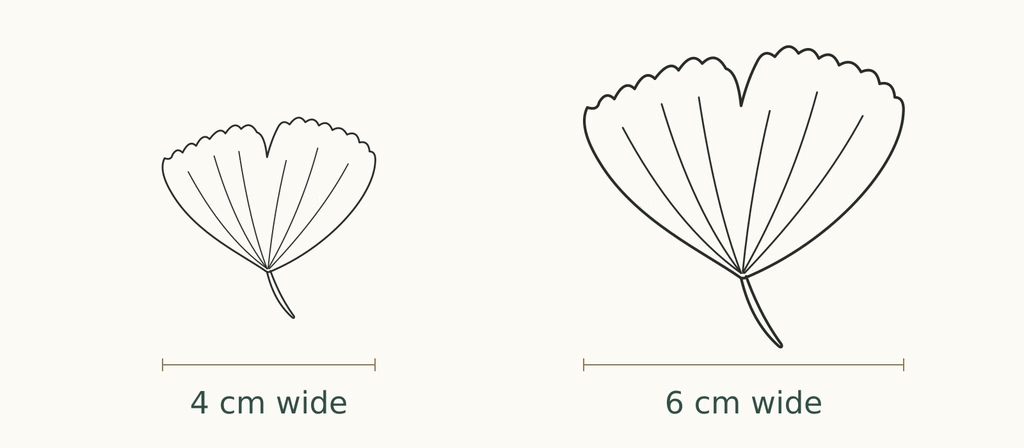
The larger leaf is 1.5 times as wide. To check the actual size, measure your print with a ruler.
Set the width of the artwork
- Start with the original artwork. Insert the PNG into a blank document in Word, Pages, or another editor that lets you set an image width. Use ordinary paper for this comparison.
- Crop the empty border. Bring the crop edges up to the outermost tips without clipping the drawing. Otherwise, the width you enter also measures the blank space around it.
- Make the first copy 4 cm wide. Lock the aspect ratio so the height follows the width. Duplicate that copy and set the second one to 6 cm. A 6 cm copy is 150% of a 4 cm copy. Label each one underneath.
- Print and measure. Choose the same paper size in the document and the print dialog. If you export a PDF and print in Acrobat, choose Size → Actual size. Check the result with a ruler across the widest part of each leaf. If both come out small, look for a second scaling setting such as Fit to page. If only the artwork measures small, check its margins again.
For inch-based layouts, 4 cm is about 1.57 inches and 6 cm is about 2.36 inches. Adobe’s PDF print scaling guide shows where to find the scale controls.
Look at the smallest gap first
On the ginkgo leaf, start where the veins converge above the stem. Look at each print from a comfortable reading distance. Can you follow the two middle veins separately, or do they read as one dark mark? Next check the notch at the top. It gives the leaf its fan shape, so you may care more about preserving that notch than about keeping every vein.
Cut loosely around each paper copy and hold it at the same spot on your body. Use a mirror or take two photos from the same distance. Try both with your arm or ankle in its usual relaxed position. Which size gives you the silhouette you want?
Bring one specific question to your artist
Write a note on the copy you prefer. For example, “I like the width of the 4 cm leaf, but I can see the veins more clearly at 6 cm. Could we keep the smaller width and simplify the center?” Bring both prints and the original digital file. Your artist can assess the line weight, spacing, and placement before preparing the transfer stencil.
Still choosing your artwork? Read our fine line tattoo stencil guide for help comparing designs before you print.